Why Is My iPhone Getting Hot?

If your iPhone feels warmer than usual, there is not necessarily a problem with the device. Smartphones generate heat when their processors, graphics systems, cameras, wireless radios and batteries are working hard.
However, an iPhone that becomes unusually hot, especially when it is not being heavily used, deserves attention. Understanding why your iPhone is getting hot can help you protect battery health and avoid performance problems.




Why Does an iPhone Get Hot?
An iPhone can become warm during normal use. Apple specifically identifies activities such as setting up a new device, restoring a backup, installing a major software update, wireless charging, using processor-intensive apps or games, using the camera and streaming high-quality video as situations in which an iPhone may feel warmer.
Heat is produced because these activities require more processing power and energy. The battery and charging system can also generate additional heat while the device is charging.

Gaming Can Make Your iPhone Hot
Graphics-intensive games can place a heavy workload on the iPhone’s processor and graphics hardware. As the workload increases, power consumption and heat production can also increase.
Long gaming sessions are therefore one of the normal reasons an iPhone may become noticeably warm. The device should generally cool down after the demanding activity ends.
Camera Use Can Increase Temperature
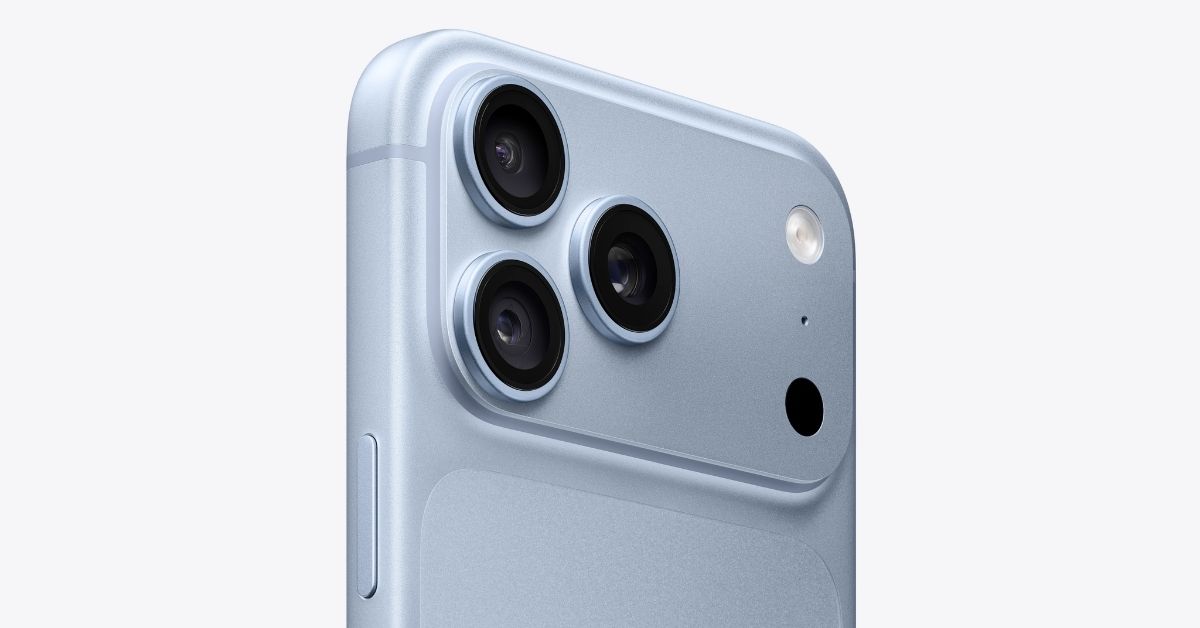
Using the camera for an extended period can also make an iPhone warmer. Recording high-resolution video, processing images and using computational photography features require substantial processing power.
This effect can become more noticeable when the camera is used outdoors on a hot day or in direct sunlight.
Why Does My iPhone Get Hot While Charging?
It is normal for an iPhone to become somewhat warm while charging. Battery charging generates heat, and wireless charging can make the device feel warmer than some wired charging situations.
Apple says iPhone can automatically slow or pause charging when the device becomes too warm or too cold. Charging resumes when the temperature returns to an appropriate range.
If your iPhone repeatedly becomes very hot while charging, move it to a cooler location and avoid direct sunlight. Removing the case can also help if the case is trapping heat around the device.
Does Wireless Charging Make an iPhone Hotter?
Wireless charging can produce noticeable heat because energy is transferred between the charging system and the phone without a direct wired connection. Apple lists wireless charging among the activities that can make an iPhone feel warmer.
If the phone becomes excessively warm, charging may automatically slow down or stop as part of Apple’s temperature protection system.
Can Hot Weather Make an iPhone Overheat?
Yes. Ambient temperature has a direct effect on the temperature of the device.
Apple says iPhone is designed to operate in ambient temperatures between 0°C and 35°C. Using an iPhone in very hot conditions can permanently shorten battery life.
Leaving an iPhone inside a parked car on a hot day can be particularly problematic because the temperature inside a vehicle can rise significantly above the outdoor temperature.
Navigation Can Make Your iPhone Hot
Using GPS navigation for an extended period can increase heat generation, particularly when the screen is continuously active, mobile data is being used and the device is exposed to sunlight.
Apple specifically lists GPS tracking and navigation in a car among activities that can affect iPhone temperature when used in hot conditions or direct sunlight.
Could an App Be Making My iPhone Hot?
Sometimes an app or system activity can consume significant processing power or battery energy in the background.
iPhone provides battery usage information that can help identify which apps and system activities are consuming the most energy. Go to Settings > Battery to review recent battery usage. Apple also shows background activity, which can include tasks such as navigation, music playback, photo syncing and mail fetching.
If one app consistently appears near the top of battery usage while the phone is getting hot, checking for an update or temporarily removing the app can help determine whether it is contributing to the problem.
Can a Software Update Make an iPhone Hot?
Yes. An iPhone may become warmer while completing a software update or performing background tasks after an update.
Apple lists completing a software update, particularly a major release, as one of the situations in which an iPhone may temporarily feel warmer.
This does not necessarily indicate a hardware problem. The temperature should generally return to normal after the demanding processes are completed.
What Should I Do If My iPhone Gets Too Hot?
If your iPhone becomes unusually hot, stop demanding activities and give the device time to cool down.
- Move the iPhone away from direct sunlight.
- Stop playing demanding games or recording video.
- Pause navigation if it is not needed.
- Disconnect the charger if the device is becoming excessively hot.
- Move the iPhone to a cooler environment.
- Remove the case temporarily if it is trapping heat.
- Avoid leaving the device inside a hot car.
- Wait for the temperature to return to normal before intensive use.
Apple recommends turning off the device and moving it to a cooler location if a temperature warning appears.
What Happens When an iPhone Gets Too Hot?
iPhone has built-in thermal protection. When its internal temperature becomes too high, iOS can take measures to reduce heat and protect the hardware.
Depending on the situation, charging may slow down or stop, the display may dim or turn off, cellular performance may be reduced, camera features may become temporarily unavailable, and some apps may experience reduced performance.
In extreme conditions, the iPhone can display a temperature warning and temporarily prevent normal use until it cools down.
Does Heat Damage iPhone Battery Health?
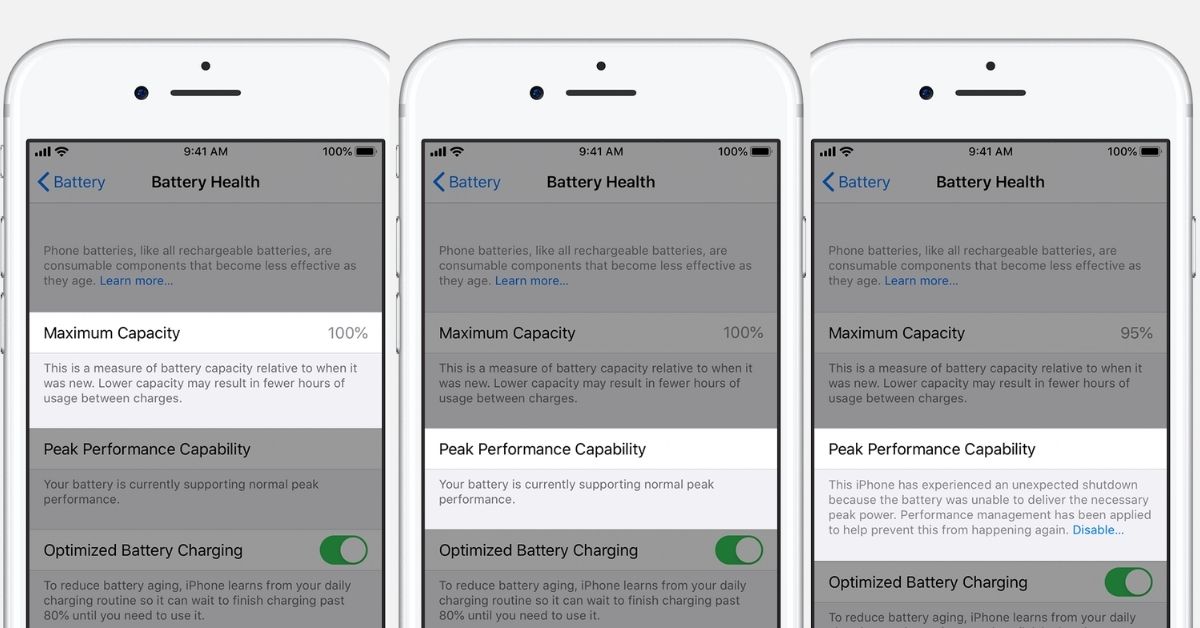
Repeated exposure to high temperatures can affect battery longevity. Apple specifically warns that using or charging an iPhone in ambient temperatures above 35°C can permanently reduce battery lifespan.
This is one reason temperature management is important if you want to maintain battery capacity over the long term.
When Should You Be Concerned?
An iPhone becoming warm during gaming, charging, camera use, navigation or a software update is generally expected.
More attention is warranted if the iPhone becomes very hot during light use, repeatedly displays temperature warnings, stops charging frequently because of temperature, becomes unusually slow, or continues to remain hot after demanding activities have ended.
If the problem persists after allowing the device to cool and checking battery usage, Apple Support or an authorized service provider can help determine whether there is an underlying hardware or battery issue.
How to Keep Your iPhone Cooler
- Avoid using the iPhone in direct sunlight for extended periods.
- Do not leave it in a parked car on a hot day.
- Use demanding apps and games in a cooler environment when possible.
- Give the device a break during long gaming or recording sessions.
- Avoid charging in excessively hot environments.
- Check Battery settings if the phone becomes hot without an obvious reason.
- Keep iOS and your apps updated.
Final Takeaway
An iPhone getting warm does not automatically mean something is wrong. Charging, gaming, camera use, navigation, high-quality video, wireless charging, software updates and hot environments can all increase the device’s temperature.
The important distinction is between normal warmth during demanding activities and excessive heat that persists during light use or triggers Apple’s temperature protection. If an iPhone becomes too hot, stop intensive use, move it away from heat and allow it to cool before continuing.