5 Hidden iOS 27 Upgrades That Make a Big Difference

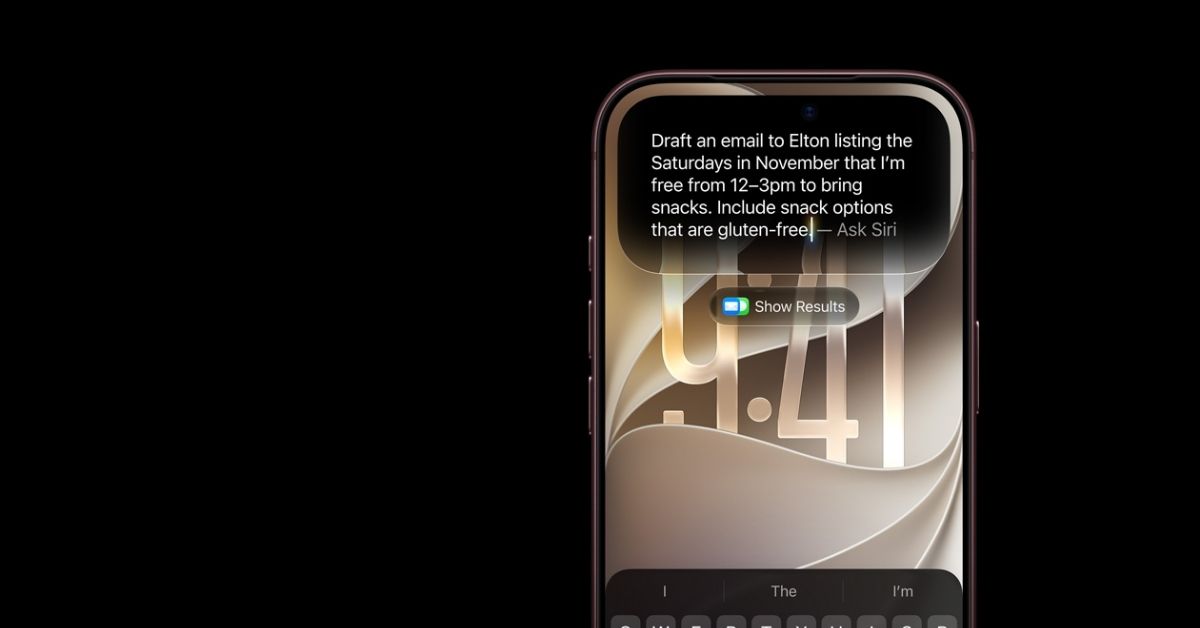
Apple’s iOS 27 update is getting plenty of attention for its new Siri AI and Apple Intelligence features. But some of the most useful improvements are much less obvious.
Several small changes introduced with iOS 27 can make everyday iPhone use easier, from managing photos and alarms to improving connectivity. Here are five hidden iOS 27 upgrades worth trying.




1. Save Any Video Frame as a Photo
One of the most practical additions in iOS 27 is the ability to save a frame from a video directly as a photo.
Previously, users typically had to pause a video, take a screenshot and crop the image. With iOS 27, you can open a video in Photos, tap the three-dot menu and select the option to save the video frame as a photo.
The selected frame is saved to your photo library as a separate image, making it much easier to capture a specific moment from a recording.
2. You Can Force an iCloud Photos Sync
iOS 27 gives users more control over when their photos are synchronized with iCloud.

Instead of waiting for the usual charging and Wi-Fi conditions, users can now trigger an immediate iCloud Photos sync. Apple also allows the setting to be used temporarily, after which the normal synchronization behavior returns.
This can be particularly useful when traveling or after taking a large number of photos, since you can make sure your latest images are backed up sooner.
3. Alarm Volume Is Finally Independent
Another small but welcome change is the ability to control alarm volume separately from the ringtone.
In previous versions of iOS, changing the ringtone volume could also affect alarm volume. With iOS 27, users can adjust the volume of alarms and other system sounds independently.
That means you can keep your ringtone relatively quiet while maintaining a louder alarm, or adjust the two settings according to your needs.
4. iPhone Can Automatically Compensate for Weak Wi-Fi
iOS 27 introduces a feature called Connectivity Assist that can help maintain a more reliable connection when Wi-Fi performance is poor.
When enabled, the iPhone can use cellular data alongside a weak Wi-Fi connection. This can help prevent slowdowns and interruptions when moving around an area with inconsistent wireless coverage.
There is one important caveat: because cellular data can be used in the background, the feature may increase mobile data consumption. It can be enabled from Settings > Wi-Fi > Connectivity Assist.
5. You Can Create Your Own Apple Wallet Passes
Apple Wallet becomes more flexible in iOS 27 with support for custom passes.
Users can create passes for things such as events, memberships and other physical cards or tickets that do not already have a digital Wallet version. The pass can include details such as its name, location, admission type and membership number.
This turns Apple Wallet into a more useful place for storing everyday cards and passes instead of limiting it to officially supported digital tickets and cards.
Small Changes, Noticeable Improvements
iOS 27 is not only about Siri AI and Apple Intelligence. Apple has also made numerous smaller changes across the operating system, including improvements to performance, Photos, Camera and connectivity. Apple says some tasks, including app launches and AirDrop transfers, are faster in iOS 27.
These smaller upgrades may not get as much attention as Apple’s headline AI features, but they can have a noticeable effect on how an iPhone feels and works every day.